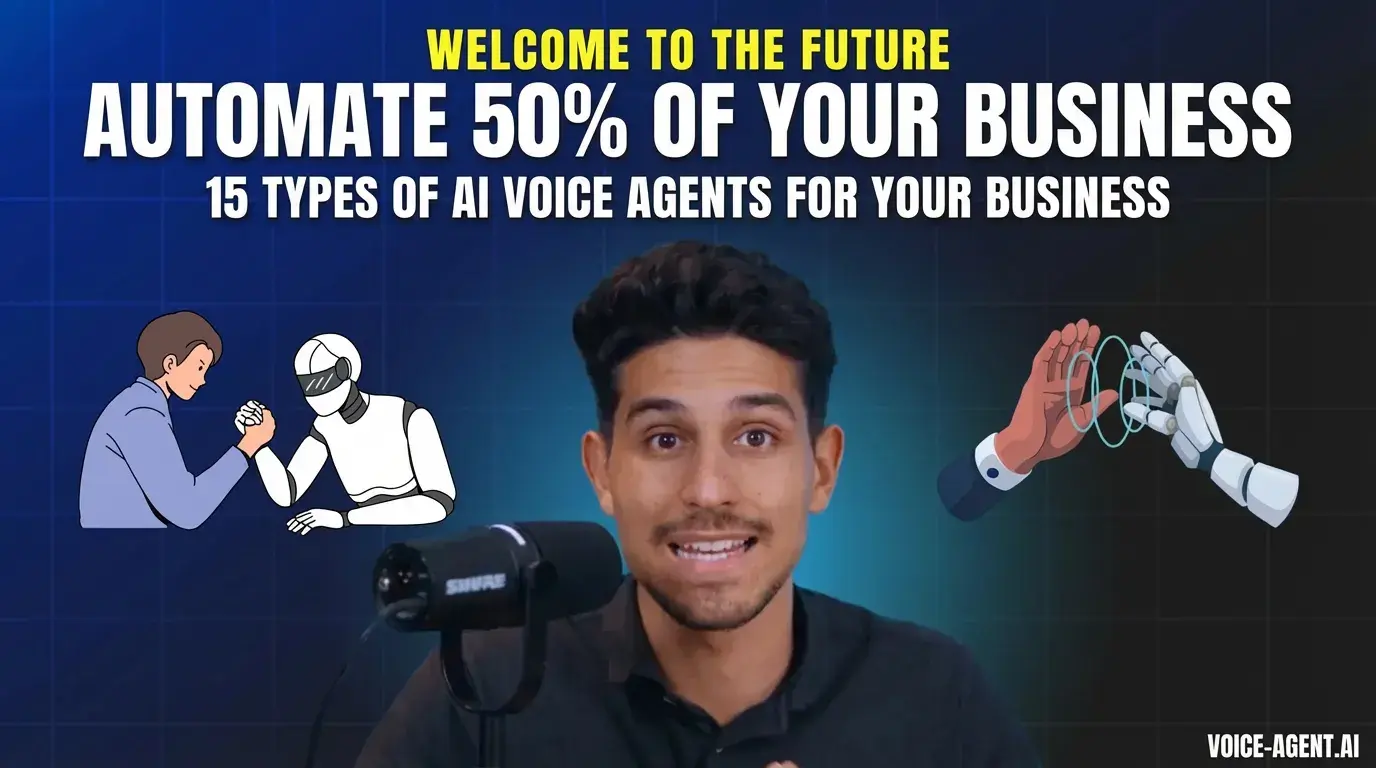
# Live Demo: AI Voice Agents Are the Next Level of Automation
Table of Contents:
What is an AI Voice Agent and what does it look like in practice? For many, it's still hard to grasp what the capabilities of an AI Voice Agent are and how to apply them in practice. That's why I've shown 2 examples here of what such a system can look like.
Watch the Video: How Do You Use Our AI Voice Agent in Practice?
Once our AI Voice Agent is implemented, there are essentially two ways you can work with it -- and both approaches have their own unique advantages. In this post, I'll show you how you can deploy our AI Voice Agent either through your own CRM system (like HubSpot, Salesforce, Close, Pipedrive, etc.) or through a simple Google Sheets solution.
1. Integration into Your CRM
If you already use a CRM, you have a powerful way to integrate the AI directly into your existing processes. Here's how it works:
- Untouched Leads:
Here you'll find all contacts that still need to be called by the AI.
- Call Contacts:
Every contact that lands in this list or receives a specific tag is called by the AI and categorized after the phone call. The common categories are:
- Not Reached
- Appointment Scheduled
- No Interest
- Opportunity Follow-up (the contact wasn't immediately ready for an appointment but could still be interesting and should potentially be contacted again by a human)
### How the Process Works
1. Change Lead Status:
Let's say we have an employee named Stefan. As soon as you change his status in your CRM to "Cold," he automatically lands in the Call Contacts list.
2. Automatic Call:
The AI then calls Stefan at set times -- for example, from 9 AM to 5 PM, with each lead being called a maximum of once or twice per day. A defined time interval between calls (e.g., 3.5 hours) is set.
3. Phone Call and Categorization:
Stefan has a short conversation (approx. 2-3 minutes) with the AI. Afterward, the result is automatically documented in the CRM.
For example, the status could be changed from "Cold" to "Call Scheduled" -- which depending on the outcome could also be logged as "not reached," "not interested," or "opportunity follow-up."
4. Transparency and Costs:
Every phone call is recorded and the transcript along with additional information (e.g., call duration, costs -- usually about 10 cents per call) is stored in the system.
Example Conversation
Here's what a typical conversation might look like:
AI (Bianca): "Hello, Bianca here from Maklerkontakte GmbH -- am I speaking with Stefan?"
Stefan: "Exactly."
AI: "Great, Stefan. We have some interesting property listings in your area that aren't listed anywhere yet. Would you be interested in getting more information about them?"
Stefan: "That sounds good, if I could get a few details, that would be great."
This overview shows you how flexibly you can use your CRM to customize the process individually while maintaining a complete overview of the results.
2. The Simple Way via Google Sheets
Not every company uses a comprehensive CRM -- and this is where the simple yet effective solution comes in: Google Sheets.
### How It Works:
In a Google Sheets spreadsheet, you enter all relevant data. These could be, for example, applications -- meaning contacts from people who apply to your company.
- Automatic Call:
As soon as a new application comes in, the AI automatically calls and conducts a short preliminary conversation. This is especially helpful when you, as a CEO or HR manager, want to efficiently pre-qualify hundreds of applications.
- Qualification:
During the conversation, the AI evaluates the applicant. At the end, it's marked, for example, whether the applicant should be classified as qualified (green) or not qualified (FZ).
Additionally, all conversation data (transcript, summary, recording) is stored in the spreadsheet.
- Automatic Email:
Candidates marked as qualified automatically receive an email with further information or a link to an additional video.
This simple solution allows you to get a faster overview of the selection process from hundreds of applicants and filter out the right candidates -- all without complex CRM integration.
### Conclusion
Whether through your existing CRM system or via Google Sheets -- our AI Voice Agent offers you two effective ways to automate processes and collect valuable data simultaneously. You have the choice of how to integrate it into your daily workflow, and you benefit from:
- Automated categorization and documentation
- Transparent cost and results overview
- Individual customizability -- whether via a CRM or a simple Google Sheets spreadsheet
Both approaches enable you to work more efficiently and manage your leads or applications in a targeted manner. Try it out and optimize your processes with our AI Voice Agent -- that simple, that smart!
Good luck with your deployment -- and stay tuned, the future of communication won't wait!
Everything you need to know about our AI Voice Agents
Everything you need to know about our
AI Voice Agents
# Convinced yet?
Contact us about working together. We'll have a conversation soon and see if we're a good fit for you.
Book your free consultation now!
#### Navigation
#### Socials
© 2025 -- VOICE-AGENT.AI -- All Right Reserved
Scaling-Consulting
© 2025 -- Voice-Agent.AI -- All Right Reserved